EMS
| Català | Castellano | English |
Workgroups
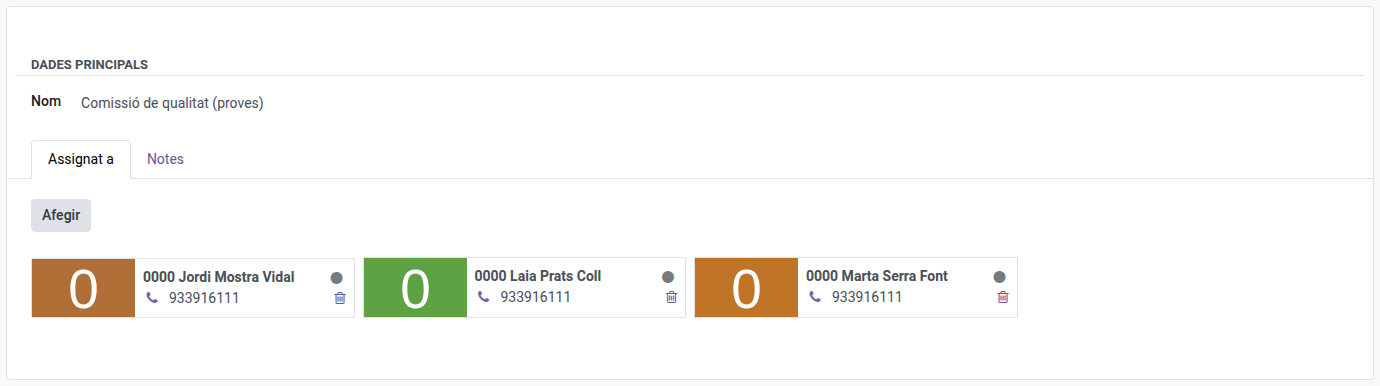
Workgroups are free-form employee groupings — a project team, a cross-department committee, or any group of teachers, providers or ASP staff you need to track together. They have no effect elsewhere in the system; they’re purely organisational.
Required role: Administrator
Access
Navigate to: Educational Community → Configuration → Teachers → Workgroups
Create a Workgroup
- Click New.
- Fill in the Name.
- In the Assigned to tab, add the teachers who belong to this workgroup.
- Optionally, add free-form notes in the Notes tab.
- Click Save.
Edit or Delete a Workgroup
Open it from the list, edit any field, and save — or select it in the list and use the Action menu (⚙) to delete it.